Why your renders drift, and how to stop it
Five renders for one client, five slightly different stores. The cause is almost always the prompt, and the fix is to stop writing the same half of it twice.

Here is a failure mode that only appears once a project has a few renders in it. Individually every image is good. Put them on consecutive slides and they are clearly five different stores: the oak is warmer in one, the floor is polished in another, the light went cold somewhere in the middle.
The cause is retyping
Nobody writes the same paragraph twice the same way. On Tuesday you wrote "warm oak"; on Thursday you wrote "natural oak, light"; a week later you wrote "pale timber". Each is a reasonable description and each produces a slightly different material. Multiply by floor, walls, metal and lighting, and the set drifts.
Consistency is not a matter of discipline. It is a matter of not writing the specification twice.
Split the prompt in half
Every render brief contains two kinds of information, and only one of them changes between images:
- Constant for the client: palette, materials, finishes, lighting temperature, mood. Identical in every render for this brand.
- Specific to the image: which part of the space, which camera, which moment.
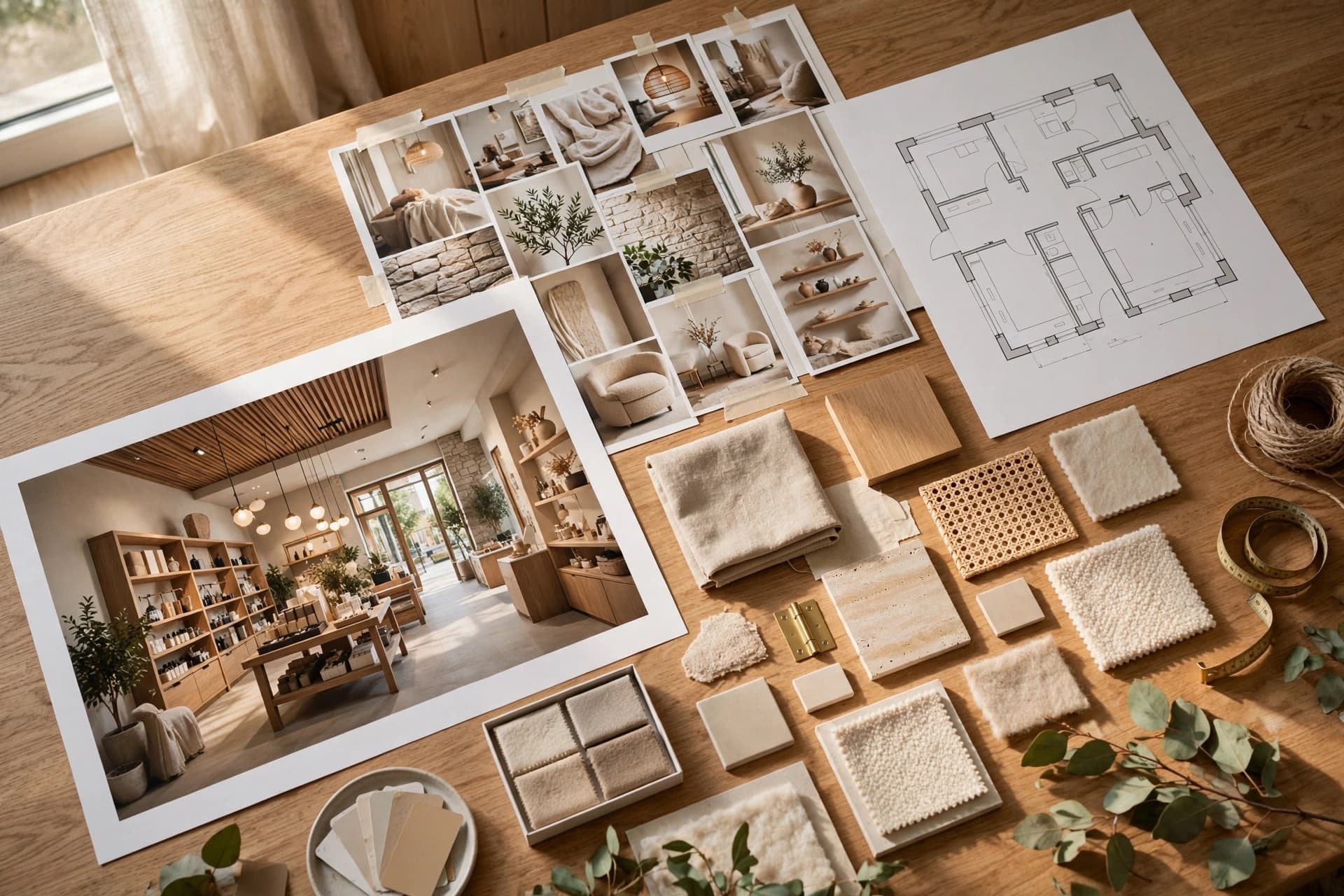
The constant half should be written once, saved, and attached — not retyped. That is exactly what a brand kit is: a palette, a materials list and a set of mood words that every tool reads from automatically.
What to put in the kit
- 1Four to six palette colours, as hex values, with a note on where each one is used.
- 2Named materials with finish: "oiled oak, matte", not "wood".
- 3Lighting temperature and character: "2700K, warm, pooled on product walls".
- 4Three mood words, no more. Calm, tactile, quiet.
- 5One or two reference images if you have them.
The second source of drift: rerolling
Even with a brand kit, drift creeps in when you regenerate an approved render to fix one detail. The new image is a new roll of the dice, and it will differ subtly in ways nobody can name. Editing the region instead keeps everything outside the box byte-identical to what the client approved.
And the third: mixed sources
A set that mixes a render, a stock photo and a competitor's press image will never cohere, no matter how good each piece is. If a slide needs a reference image, label it as a reference rather than letting it sit in the same rhythm as your renders.